Neon Pulse Alerts
Glowing pop-in alerts for follows, subs, gifts, bits and raids. Accent color via ?color=.
A alert box overlay for Twitch and OBS
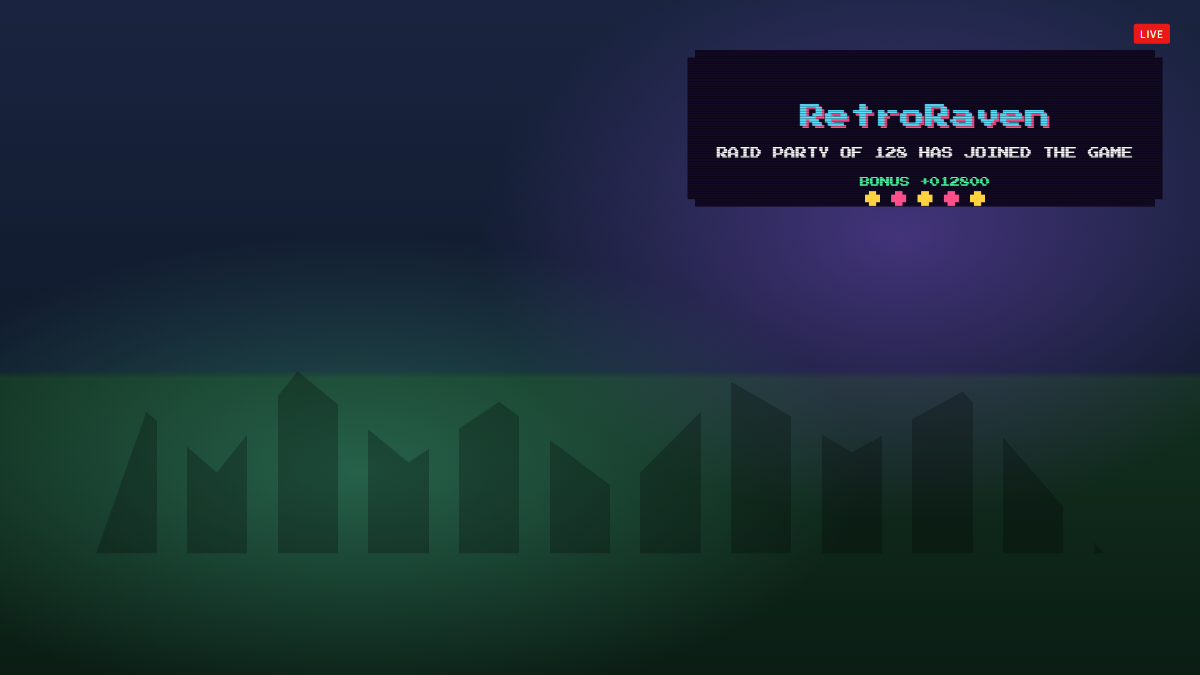
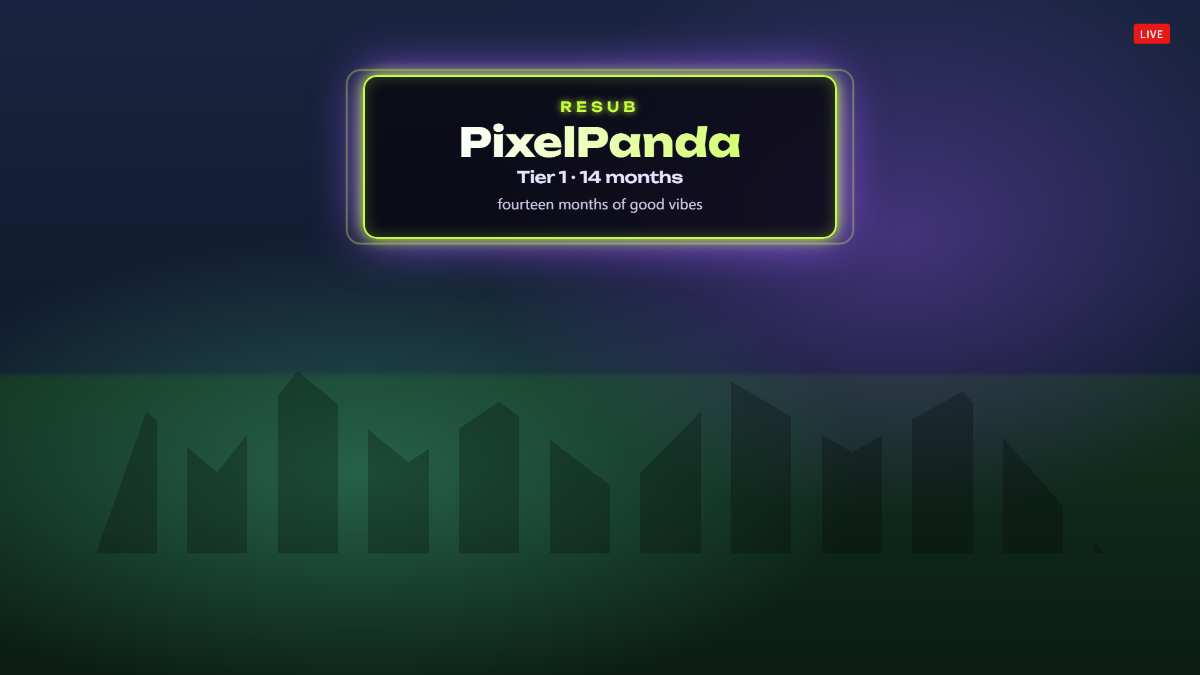
Neon Pulse is a free Twitch alert box that drops a glowing, sign-style card into the top of your scene whenever someone subscribes, gifts subs, cheers bits or raids your channel. The viewer's name shimmers across the card while a pulsing ring keeps it readable over busy gameplay.
Every alert type gets its own wording: resubs show the month streak and tier, gift bombs show the number of subs dropped, and cheers show the bits total plus the viewer's message. Alerts queue up so a raid followed by a wave of subs never overlaps.
- Sub, resub, gifted sub, gift bomb, bits and raid alerts
- Shows resub messages and cheer messages
- Accent color and on-screen duration set from the URL
- Alerts queue instead of overlapping
- Built-in sounds with volume and mute controls
- Transparent 1920 × 1080 browser source
Add Neon Pulse Alerts to OBS in under a minute
- Copy your overlay URL.
Replace YOUR_CHANNEL with your Twitch username:
https://www.overlaify.com/overlays/neon-alert?channel=YOUR_CHANNEL - Add a Browser source.
In OBS Studio, click + under Sources, choose Browser and name it “Neon Pulse Alerts”.
- Paste the URL and set the size.
Paste the URL, then set Width to
1920and Height to1080. Leave custom CSS empty — the background is already transparent. - Test it before you go live.
Add
&test=1to the URL to fire simulated events, then remove it once it looks right. Tick “Control audio via OBS” if you want the alert sounds on their own mixer track.
Subs, resubs, gifted subs, gift bombs, bits and raids work from Twitch chat with no login. Follow alerts show in previews and test mode for now; live follow events arrive with Twitch login on Pro. Streamlabs Desktop, Meld and Twitch Studio work too — add it wherever they accept a browser source or URL.
URL options
| Option | Example | What it does |
|---|---|---|
color | &color=%23c6ff3d | Accent color for the border, glow and kicker text (URL-encode # as %23). |
duration | &duration=5 | Seconds each alert stays on screen. |
volume | &volume=0.25 | Sound volume from 0 to 1. |
mute | &mute=1 | Turn sounds off. |
Want a different layout, font or animation? Remix it with AI — describe the change in plain words and get your own version with a new OBS URL.
Make Neon Pulse Alerts yours
Use it as-is for free, or open it in the AI editor and tell it what to change.