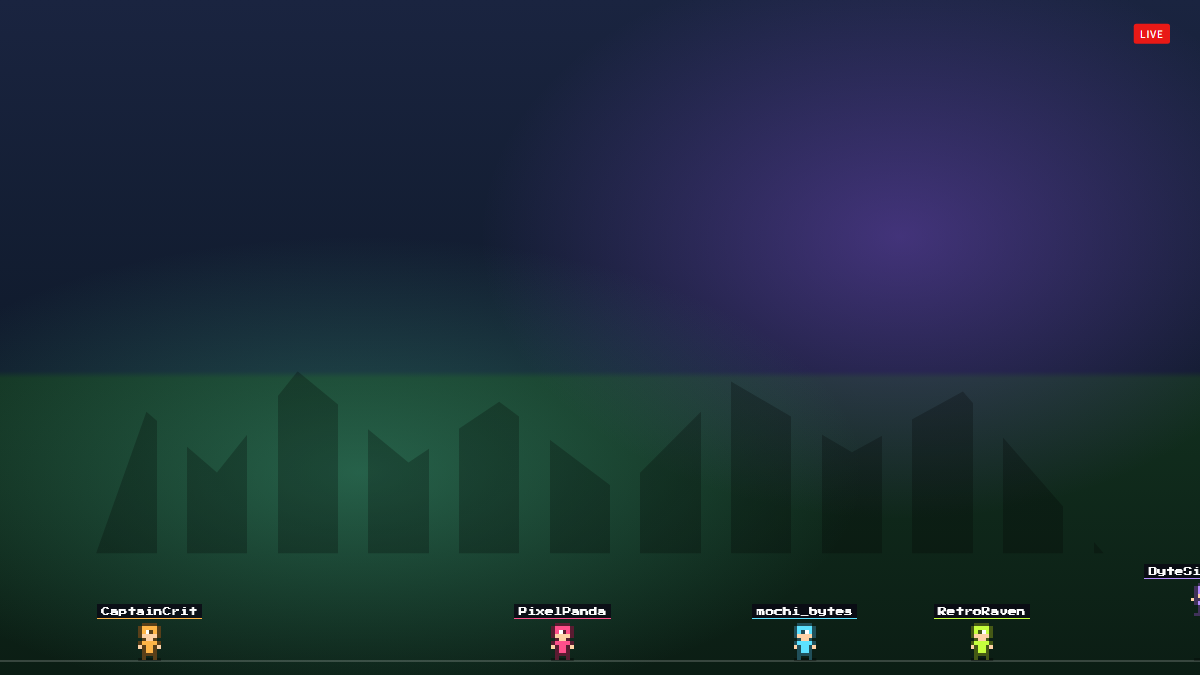
A scene overlay for Twitch and OBS
The overlay draws a menu of up to six rows into the top corner of the screen. Each row shows a gold gift label on the left, such as '💎 100+ bits', '🎁 5+ gift subs', 'Raid of 10+' or 'Follow', and the matching streamer task on the right. Everything is fixed by the settings, so the list does not change in response to live events during the stream.
Rows are sorted by gift type (bits, gift subs, subs, raids, follows) and then by minimum amount, and they fade in one after another with a small slide. Any row set to Off or left without a task is dropped; if nothing is left, a short hint tells you to set gifts and tasks in the properties. The panel can sit on the left or right, and the gift label color is configurable.
- Six configurable gift-to-task rows
- Threshold labels for bits, gift subs and raids
- Rows sorted by gift type then minimum
- Staggered fade-in animation per row
- Left or right screen placement
- Custom gift label color
Make Gift Menu yours
Sign in to install this free overlay and add it to OBS.